


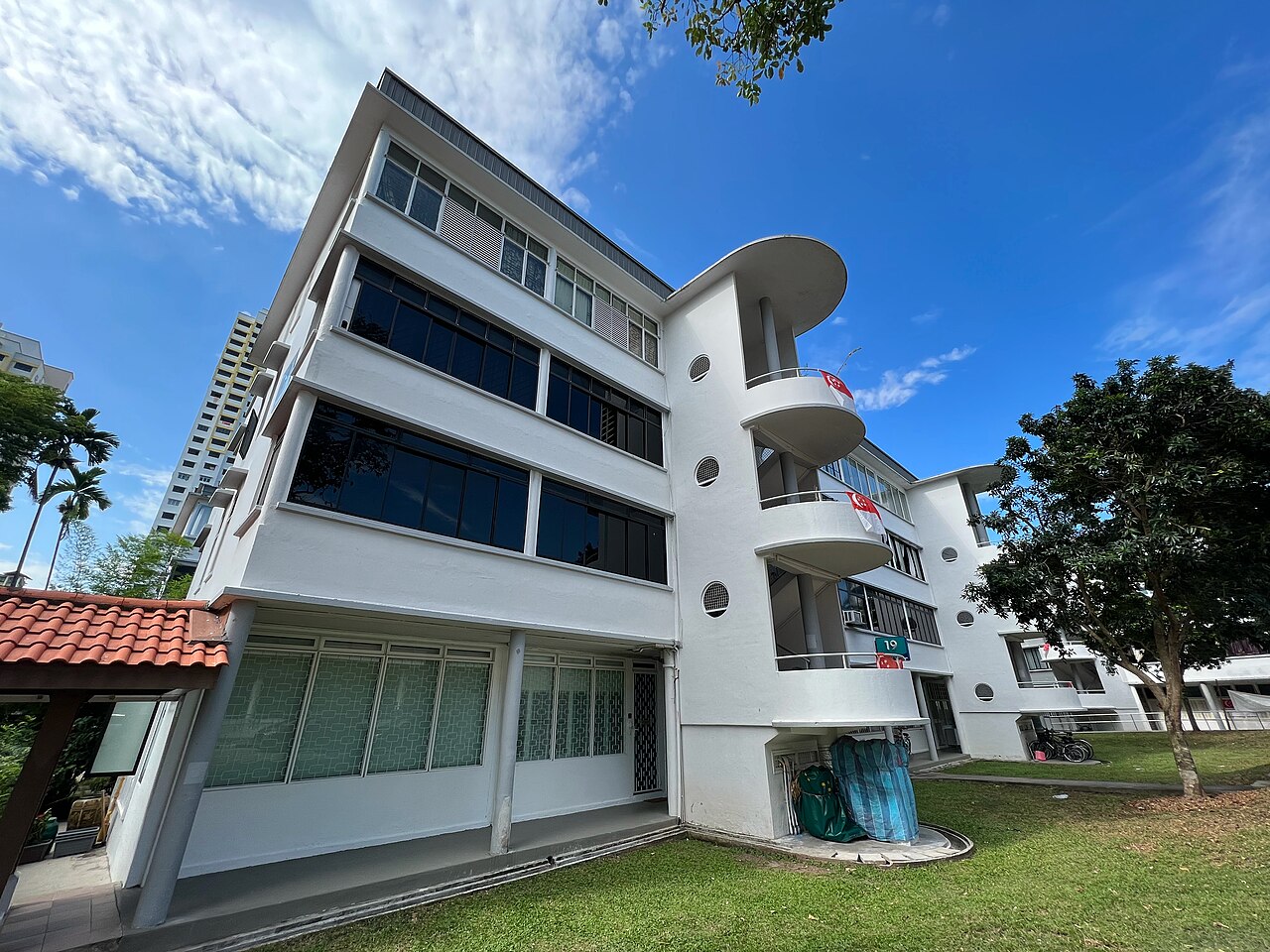
Chinatown, Singapore
Hawker food trailExplore local activities with RBApp. Open the app to check available listings, what each provider offers, prices, and booking details before sending a request.
App and verification imagery is illustrative, not live listings.
Illustrative destinations and activity ideas, not available listings or offers. Check the app for services currently listed.






Three steps. One meaningful trip.
Browse cultural experiences by city, category, or interest. Read reviews, watch host intros, and shortlist your favorites.
Send a booking request with your preferred time and details. After the provider accepts, pay with Credits in the app. Review the listing and payment total before paying.
Meet your host at the agreed spot. Tour, learn, discover. Leave a review afterward to help future travelers.
Read the listing, check what verification badges mean, and keep your booking details and payment in the app.
Check the badge on each profile. One tick means one identity check passed; two ticks mean both the selfie and ID checks passed. Neither is a background or criminal record check.
Read what the provider offers, the duration, price, and any additional expenses. Agree the details in the app chat.
Booking Credits are held by the platform and released under the booking rules. Refunds depend on the order and its applicable rules. Read the Refund Policy.
Email hello@ebunex.tech with your booking ID and a description of the issue. Response times vary by case.
Read our Privacy Policy for information about data use and retention. See how to delete your account.
RBApp (Reach & Bridge App) is a marketplace for local activities. Open the app to see available services and read each listing before booking. The ideas on this page are illustrations, not a live catalogue.
Hosts can pass two identity checks. The first is a live selfie video in the app, matched against the first photo on their profile. The second is a government ID, reviewed by our team. One tick next to a name means the host passed one of the two checks. Two ticks mean they passed both, and the face on the ID matches the face in the selfie video, so it is the same person. Neither badge is a background or criminal record check.
Buy Credits using the payment methods available in the app, then use Credits to pay for an accepted booking. Booking Credits are held by the platform until release under the applicable booking rules. Booking refunds return as Credits. Cancellations and refunds follow our published Refund Policy.
You must be 17 or older to create an RBApp account. Travelers under 18 must be accompanied by a parent or legal guardian on any in-person experience.
Yes. You can request full deletion at any time from inside the app (Settings → Account → Delete account) or from our account deletion page. We delete all personal data within 30 days, retaining only what regulators require.
Email hello@ebunex.tech. Include your booking ID and describe the issue. Response times vary by case.
Download on iOS or Android. Check service prices, additional expenses, and any optional purchases in the app.